Problem definition
One of the causes of failed software projects lies in the transformation of the users’ wishes and ideas into the technical implementation. This is where requirements engineering comes in and attempts to translate the user’s ideas into technical requirements for the application. These methods are based more on the technical side and, like UML, BPMN, etc., create a (semi-)formal specification from the users’ statements. The methods presented here can be used to go one step further. By not only using the user’s statements, but also really helping them to recognize their wishes. This makes it possible to go into depth where normal RE methods remain on the surface. The input gained can support the entire project, from the planning of the functional scope to the interface design.
Definitions of terms
- User: uses the application later
- Customer: pays for the application
- Stakeholder: is involved in the project in some way
- Team: development team
Walt Disney strategy
*Capture and check the vision of the application.
Procedure: Go through the three roles (dreamer, critic, planner) with the vision of the application.
Result: Clarification of the vision, reality check, first action steps
VAKOG model
*Experience users’ ideas
Procedure:
- the user immerses himself in his idea of the application.
- the user describes their idea visually, kinesthetically and auditorily.
Result: more detailed description of the user’s ideas, distinctive perception channels of the user, finding out what the target group has in common.
UI und Usability
Procedure:
- present concepts of the interface and operation to the user visually, kinesthetically and audibly.
- the user gives feedback.
Result: Corrections and adjustments based on user feedback. Refinement of details and the operating concept.
Submodalities
UI and usability design
Procedure:
- the user immerses themselves in their idea of the application.
- the user imagines the interface, the feel and the workflows of the application.
- the user changes the submodalities until a coherent image/feeling is created.
Result: Ideas for adapting the interface, operation and workflows.
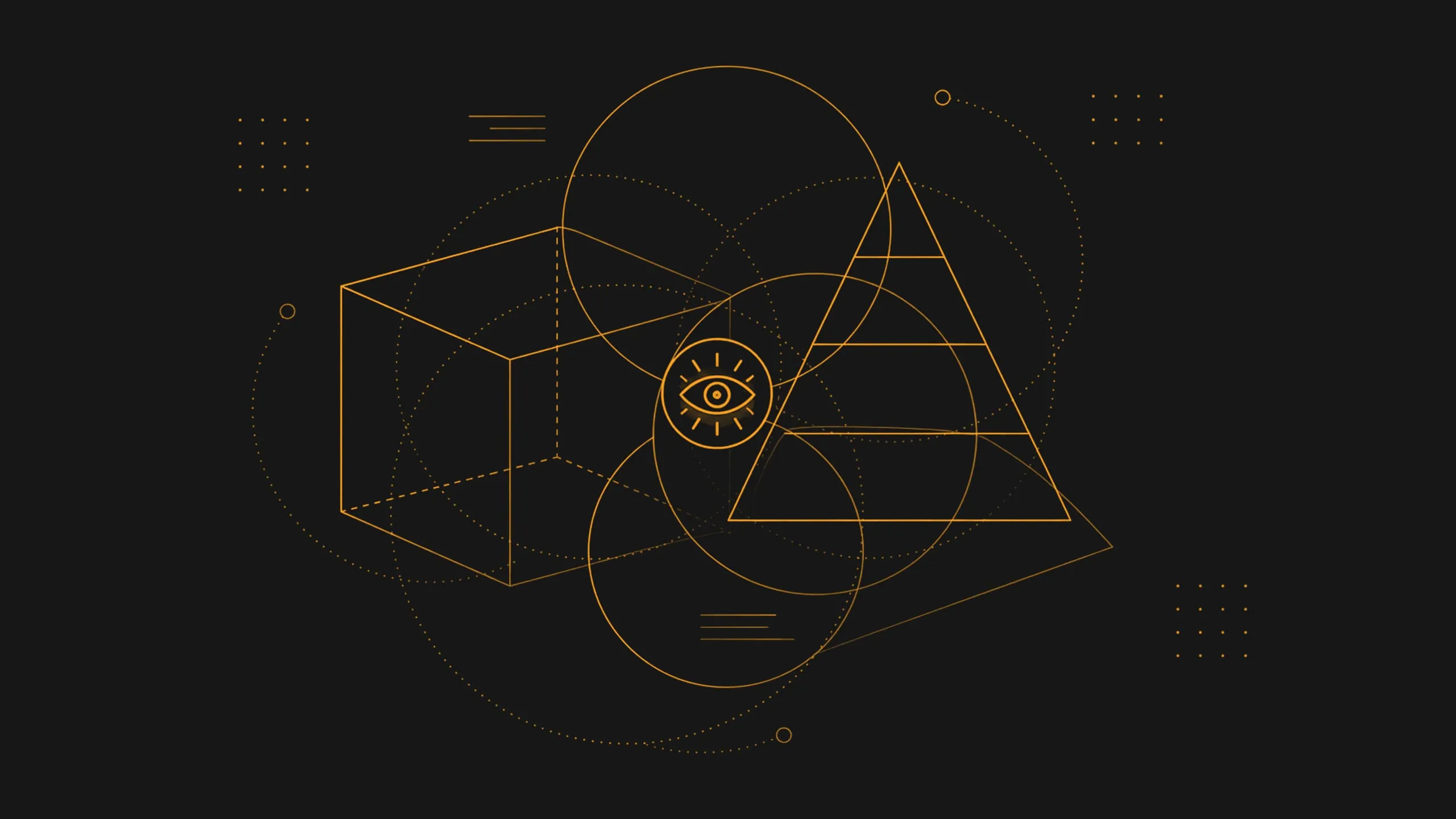
Dilts pyramid
*Check and internalize the future image of the application.
Procedure:
- visualize the finished product (functions, benefits, UI).
- run through the Dilts pyramid and experience and test the product in the levels:
- Environment: what environment (technical) and what environment (user attitude) does it encounter?
- Behavior: How can the application be worked with? What workflows does it offer? How does the application interact with the user?
- Capabilities: What can the application do? What functions and options does it offer?
- Values/beliefs: What guiding principles does the application pursue? Which architecture and design concepts does it realize?
- Identity: Which business process does the application support?
- Vision: What benefits does the application create for the user? What feeling does it leave behind after use?
Perception positions
*Putting yourself in the position of the stakeholder
Procedure:
1st team member (developer, designer, etc.) puts themselves in the position of a stakeholder (user, customer, management, support, operation) via room anchor. 2nd team member feels into the position and describes the expectations, wishes and view of the project/product.
Result: Better understanding of all project and product participants.
Mentor technique
*Survey of the most important customers/users.
Procedure:
- specific customers/users of the application are used as mentors.
- questions are answered from the mentors’ perspective. Ideas for questions:
- What benefits/value should the application bring?
- Which functions have the highest priority? Which are not?
- Which platforms are relevant? Which are not?
- What is the focus of usability?
- What are no-gos for the acceptance of the application?
Result: Ongoing check whether the project is still heading in the right direction. In addition to real customer interviews.
Modeling for the development process
*Modeling the development process of successful projects.
Procedure:
- search for and identify successful projects that match your own project.
- elicit the strategy.
- transferring the strategy to your own approach, adapting it to your own needs and requirements.
Result: Improved development process, new perspective, application of best practices
TOTE model
*The agile development process.
Procedure: Use of iterative development models such as Scrum. Short, fixed iterations between 2 and 4 weeks
- The tasks for the next iteration are planned in the planning meeting. When selecting the tasks, priority is given to the highest (business) value for the application and to tasks that can also be completed during this iteration. 2 (O) During the iteration, the tasks are processed by the team.
- At the end of the iteration, a review meeting takes place in which the result of the iteration is presented to the user/customer. The user/customer can influence and help shape the next iteration by providing feedback and input. 4 (E) Once all requirements have been implemented after x iterations (application meets customer/user expectations), development is complete.
The result: a self-adjusting process with short feedback loops that enables quick corrections.
Frequently Asked Questions
Why do software projects often fail when it comes to translating user requirements into technical specifications?
Because users themselves can often only articulate their needs at a superficial level. Requirements engineering takes their statements as a starting point and uses them to create (semi-)formal specifications, for example using UML or BPMN. The step that comes before this remains unaddressed: helping users recognize their own ideas. This is precisely where the methods described come into play, and their results have an impact ranging from the scope of functionality to the user interface design.
How can a user’s ideas about future software be captured more accurately?
Through multiple channels of perception. The user immerses themselves in their vision of the application and describes it visually, kinesthetically, and auditorily. This yields a more detailed description than a mere list of wishes, reveals their predominant channels of perception, and highlights commonalities within the target group. The same approach can later be used to present interface concepts and gather feedback.
How can you generate ideas for the interface and workflows before a prototype exists?
By mentally visualizing the user interface, haptics, and processes, and then adjusting the details of this visualization until a coherent image or feeling emerges. These adjustments give rise to concrete ideas for refining the user experience and workflows, even before any design or development effort is invested.
At what levels should a planned product be thought through?
Six levels are useful once the finished product—including its features, benefits, and user interface—has been visualized: Environment, meaning the technical setting and user attitudes; Behavior, involving workflows and interaction; Capabilities, meaning features and possibilities; Values, encompassing guiding principles as well as architectural and design concepts; identity, i.e., the business process being supported; and vision, the value created and the impression left behind.
How can a development team better understand the perspectives of other project stakeholders?
A team member uses “spatial anchors” to put themselves in the position of a stakeholder: user, customer, management, support, or operations. From this perspective, they describe expectations, wishes, and views regarding the project and product. It is important to distinguish between the roles: The user will use the application later, while the customer pays for it. Both have different expectations.
How do you continuously check whether a project is still heading in the right direction?
Specific customers or users are brought in as mentors, and the team answers questions from their perspective: What benefits should the application provide? Which features and platforms have priority, and which do not? What is the focus when it comes to usability? What are the deal-breakers for acceptance? This doesn’t replace real customer interviews; it complements them between meetings.
Why are short iterations with customer feedback more effective than a one-time requirements gathering session?
Because this allows the process to self-adjust. The 2015 article described fixed iterations of two to four weeks: Planning is based on the highest business value and on what can be fully completed within the iteration. At the end, the user sees the result and helps shape the next iteration with their feedback. Development is complete when the application meets expectations.